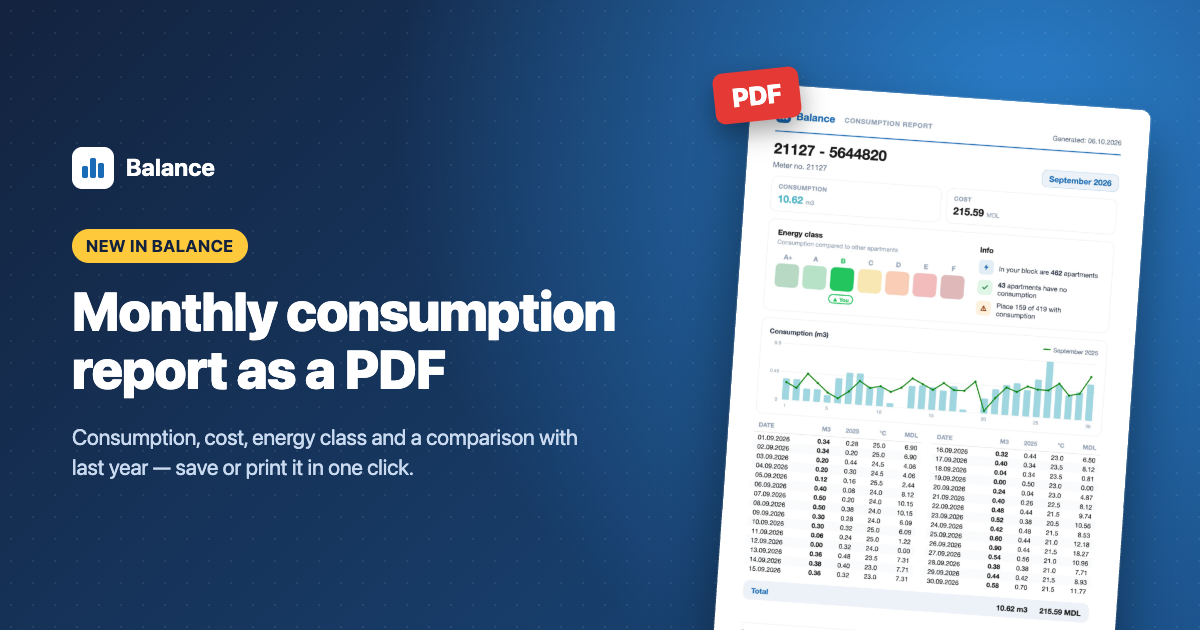
You can now save or print any month’s consumption as a clear PDF report — to keep for your records, send to your building administration or check against your bills.
How it works
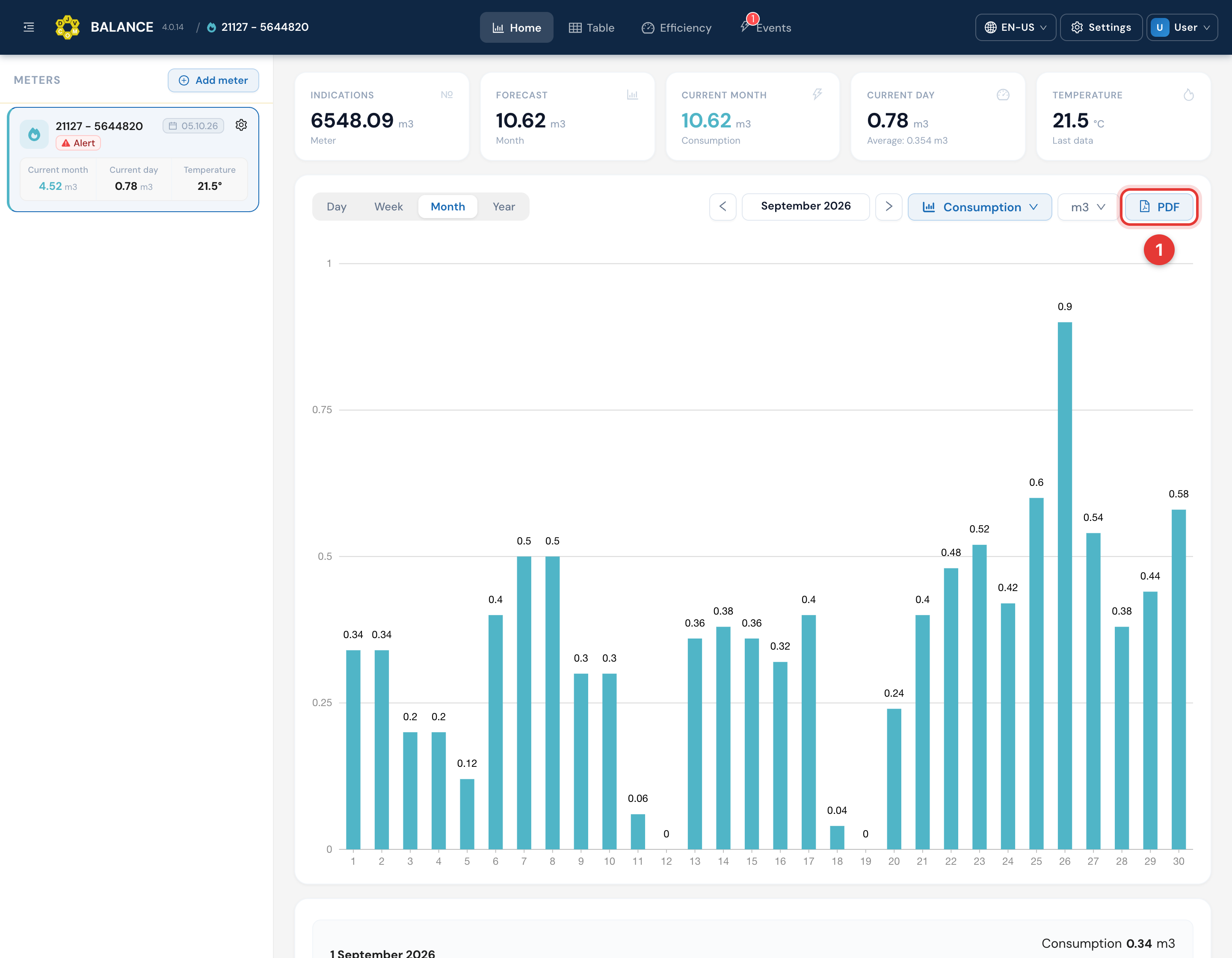
1. On the chart page, press the **PDF** button next to the chart type picker.
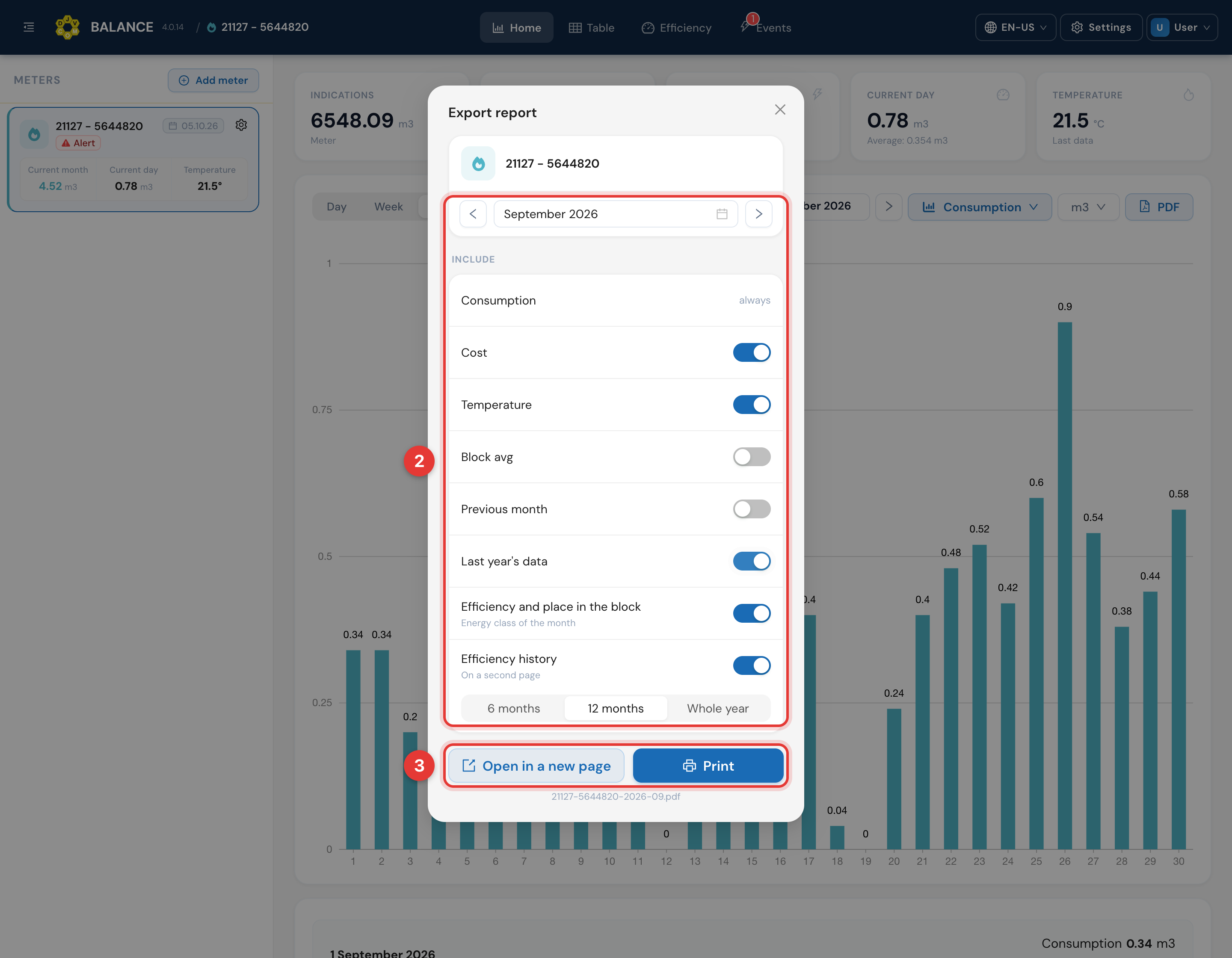
2. Pick the month and what to include: cost, temperature, the block average, the previous month or the same month last year, the energy class and your place in the block, plus the efficiency history for 6 months, 12 months or the whole year.
3. Press **Open in a new page** to view and save the PDF, or **Print** to print it right away.
What’s in the report
– the month’s total consumption and cost;
– a daily chart with the comparison line you chose;
– your energy class and your place among the apartments in your block;
– a daily table: consumption, temperature, cost;
– days with a possible leak, clearly marked;
– the efficiency history on a second page.
The report is available on the web and in the Balance apps for iOS and Android — update the app to the latest version.